
List. Sell. Automate: The Australian Real Estate Agent's Guide to Claude AI
Most agents I talk to know AI is a big deal. Most don't know where to start.
They watch a few videos, see 15 features and a pile of jargon, and give up. Or they use it like a search engine and wonder what all the fuss is about.
If you want to impress people, make it complicated. But if you want to really help people, keep it simple.
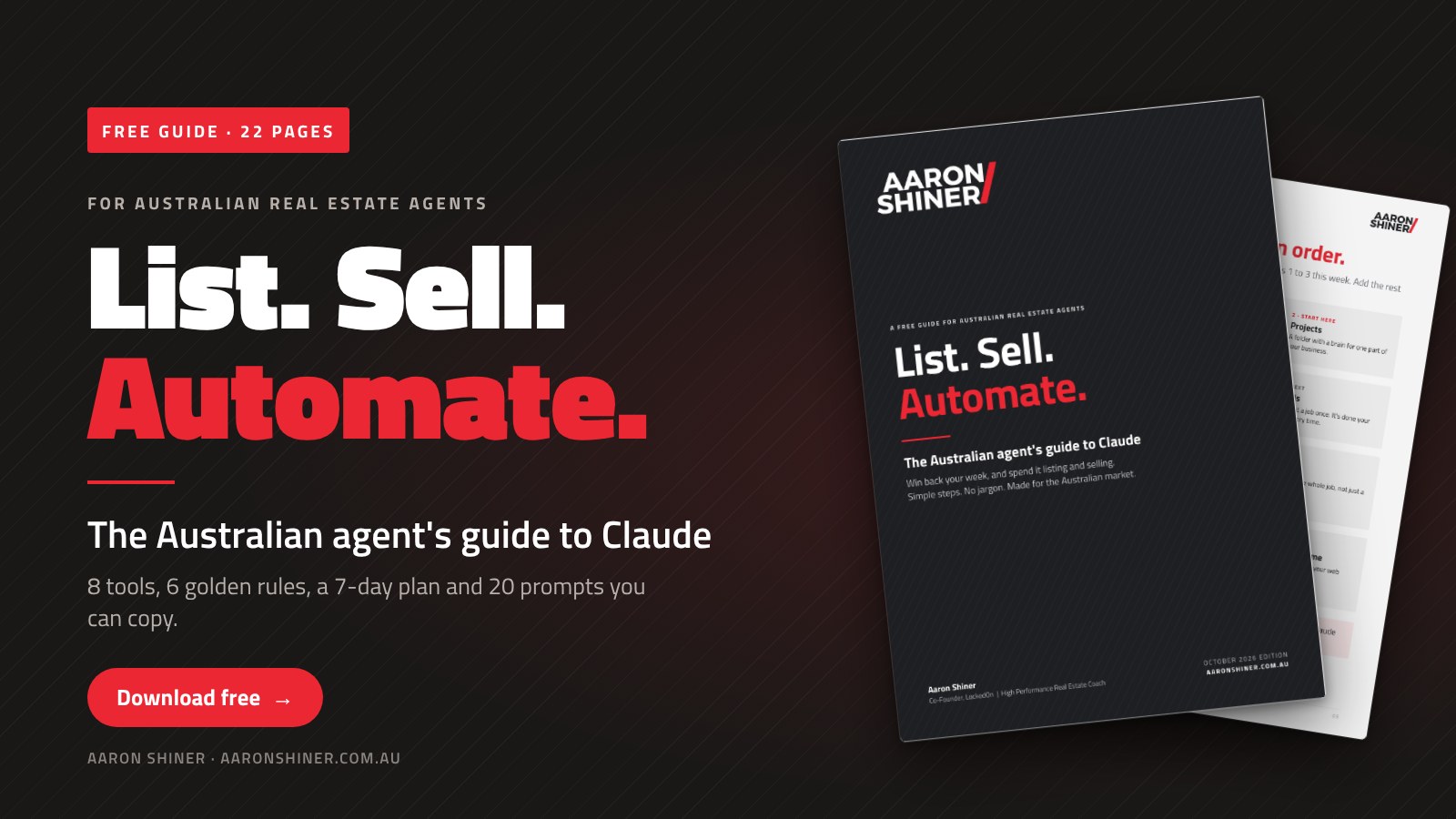
So I've written the guide I wish someone had handed me. It's called List. Sell. Automate. It's 22 pages, it's free, and it shows Australian real estate agents exactly how to use Claude to win back their week.
Key takeaways
- Claude is your smart assistant. You're still the agent.
- Learn 8 tools in order. Tools 1 to 3 save you minutes. Tools 4 to 8 save you hours.
- Claude writes the first draft. You sign off on the last one.
Why a real estate coach is writing about AI
I've been in real estate for 26 years, and I was an agent for 20 of them. I'm also the co-founder of LockedOn, the CRM used by around 900 offices across Australia and New Zealand. So I live in both worlds: real estate and software.
I use Claude every day. It helps me write proposals, coaching workbooks and emails, and it helped me rebuild my website.
Here's my promise: no fluff. Just what to do and how to do it, step by step, the Australian way.
What is Claude?
Claude is an AI assistant made by a company called Anthropic. You type or talk to it, the same way you'd brief a great assistant. It reads, writes, plans and checks, in seconds.
What it's great at:
- Writing. Property ads, vendor updates, follow-up emails, letters, social posts and video scripts.
- Summing up. A 40-page building and pest report, turned into five plain-English dot points for your buyer.
- Planning. Your week, a listing campaign, a Listing Blitz or your prospecting calendar.
- Practising. Role-play a tough price conversation with Claude before you have it with a real vendor.
What it's not. It isn't always right. It doesn't know your street like you do. And it isn't your lawyer.
What's in the guide?
Four parts. Do one step a day and in a week you'll wonder how you ever worked without it.
- Get set up in 15 minutes. Your account, the apps, which "brain" to pick, and the one setting that makes every chat start the right way.
- The 8 tools, in the order to learn them. One page each, with what it is, why it matters, how to do it and a prompt to try today.
- The Australian way. Our words, our laws, and my six golden rules.
- Put it to work. Your first 7 days, 20 prompts you can copy, and a plain English glossary.
The 8 tools, in order
You don't need all eight on day one. Start with tools 1 to 3 this week. Add the rest when you're ready.
- Chat and files. Ask anything. Drop in a file.
- Projects. A folder with a brain for one part of your business, like listings.
- Artifacts. Finished work: documents, checklists and visuals you can show a seller on screen.
- Skills. Teach it a job once. It's done your way every time.
- Connectors. Plug Claude into your email, calendar and files.
- Big jobs. Hand over the whole job, not just a question.
- Scheduled tasks. Jobs that run on a timetable, like a 7am briefing.
- Claude in Chrome. Your assistant inside your web browser.
The secret: tools 1 to 3 are labour. You still do the job, just faster. Tools 4 to 8 are leverage. The system does the job for you, the same way every time. There are two ways to grow. Work more hours, which is obtainable. Or build leverage through systems, which is sustainable.
Why most AI training doesn't fit Australian agents
Most AI training is American. Your clients aren't.
Claude learned from a huge amount of writing online, and a lot of it is American. Unless you tell it otherwise, it may slip into American words and American ideas. Realtor instead of agent. MLS, which we don't have. CMA instead of appraisal. Closing instead of settlement. Square feet instead of square metres.
Fix it once. Put this in Settings, under Instructions for Claude, so every chat starts the right way:
"I'm an Australian real estate agent in [suburb, state]. Always use Australian English, Australian real estate terms and metric measurements. Never use American terms like MLS, realtor or closing."
The guide also covers the rules that don't change just because AI wrote it: the Privacy Act, the Spam Act, Australian Consumer Law and your state's rules on price guides. Your name is on it. Not Claude's.
My six golden rules
Pin these above your desk.
- Claude drafts. You decide. If you wouldn't sign it, don't send it.
- Never let it send, book or delete on its own. You press send.
- Keep private details out. First names or initials. No bank, ID or health details.
- Check every fact, price and claim. AI can sound sure and still be wrong.
- Give it your voice. Or you'll sound like every other agent using AI.
- Start small. One job a day. Master one tool before you add the next.
Three prompts to try today
The guide has 20. Here are three. Swap the [brackets] for your details, then ask for changes until it sounds like you.
Appraisal follow-up
"Write a short follow-up email to the owners of [address] after yesterday's appraisal. Thank them, and recap the three things they told me matter most: [list]. Warm, short, Australian English."
Buyer feedback
"Here are the buyer comments from Saturday's open home. Group them into themes. What do they tell us about price and presentation? Finish with: is it the house, or is it the price?"
Role-play
"Pretend you're a vendor who thinks your home is worth $1.2m. The sales say $1.05m. Push back hard. I'll practise my price conversation. After five turns, tell me what I did well and what to fix."
Make any prompt better. Add this line to the end: "Ask me questions first." Claude will check what it needs to know before it starts.
How do you use the guide?
It's very simple.
- Download it and do the 15-minute setup on page 4.
- Follow the 7-day plan. One small job a day, about 20 minutes each.
- Count the hours you saved at the end of the week. There's a box for it on page 18.
Here's my advice. Don't try to learn everything on a Sunday night. Where activity goes, the listings flow. Small daily wins build the habit.
Team leaders: hand it out at your next sales meeting and do the 7 days together. Play one prompt on the screen and let the team pick it apart. You'll see straight away who's going to run with it.
Common questions
Is the guide free? Yes. Download it, print it and share it with your team.
Do I need the paid version of Claude? No. The free plan covers tools 1 to 5. Tools 6 to 8 need a paid plan.
Is it safe to put client details in? Keep them out. Use first names or initials, never bank, ID or health details, and check your agency's privacy policy before you connect your work email. The guide has a full page on this.
Will AI replace real estate agents? No. It replaces the hours you spend typing. Claude is your smart assistant. You're still the agent.
Who is it for? Sales agents, team leaders and principals across Australia and New Zealand, whether you've never opened an AI tool or you use one every day.
Want this working in your office?
Reading a guide is one thing. Putting it to work is another.
I help offices across Australia and New Zealand set up AI the right way: simple systems, in your voice, under Australian rules, with real hours saved every week. For teams, there's team coaching. For agents, there's one-on-one mentoring.
When you're ready, I'm here to help. You know where to find me.
This is where the best get better.
List. Sell. Repeat.
Aaron Shiner is a real estate coach and trainer with 26 years in real estate. He was the number one agent in his network three years running and the first Sydney agent to complete more than 200 transactions in a year. He is the co-founder of LockedOn, the CRM used by around 900 offices, and coaches agents, teams and principals across Australia and New Zealand.
